Whisper
×
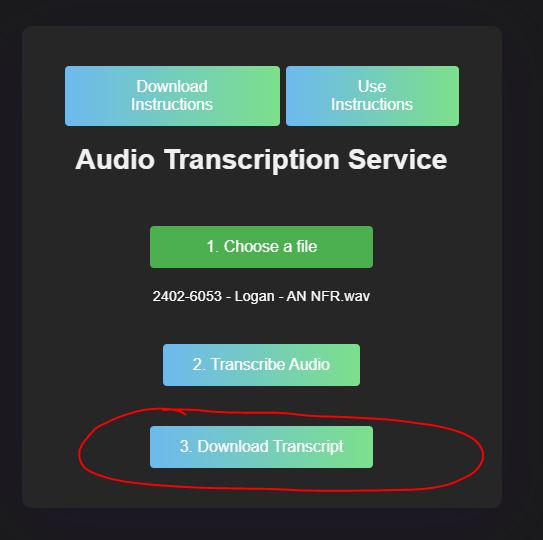
How to use Whisper app
Uploading file
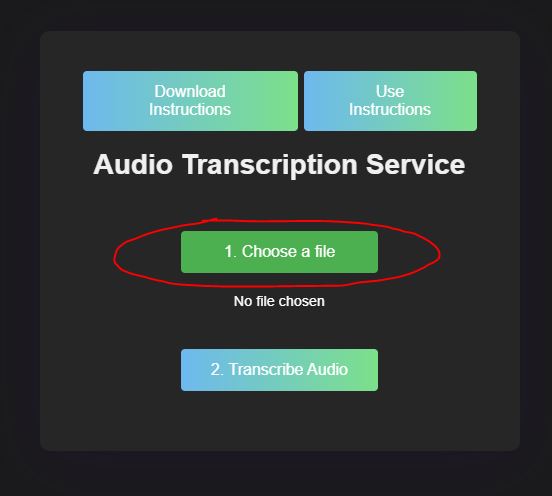
Click on the Choose files button
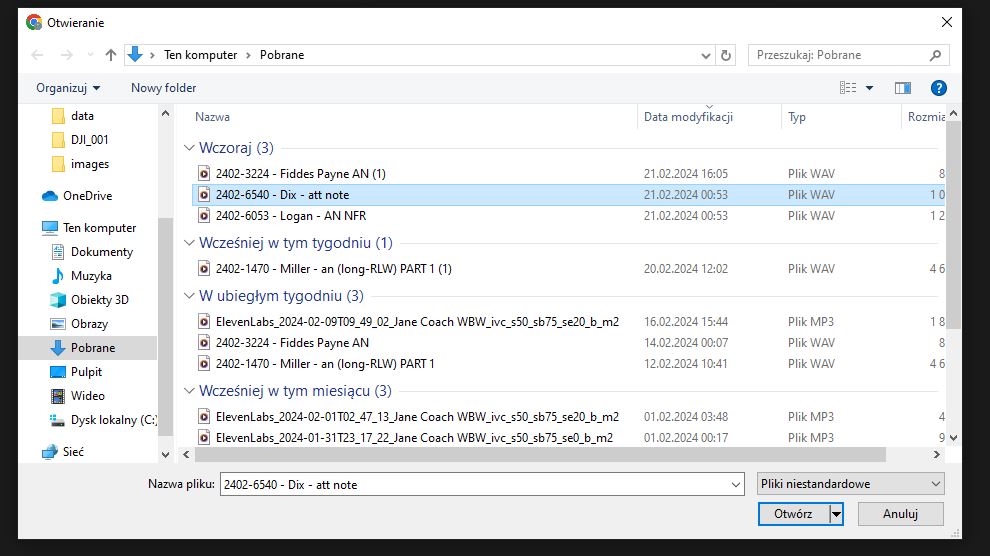
When the window opens, choose the file you want to transcribe. Remember the software works only with .wav and .mp3 files.
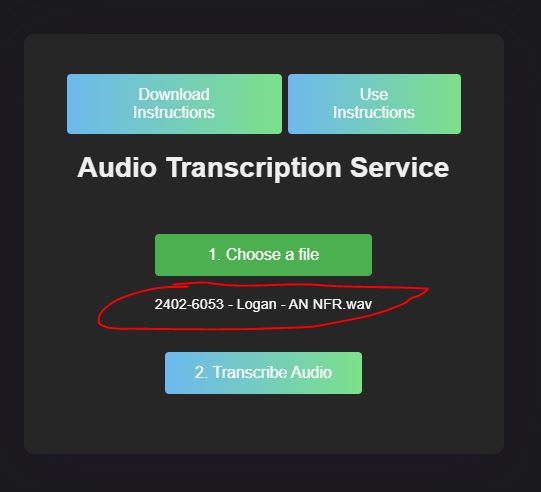
Check if you can see the file name here. If not, refresh the page and try to attach it again.
Transcribe
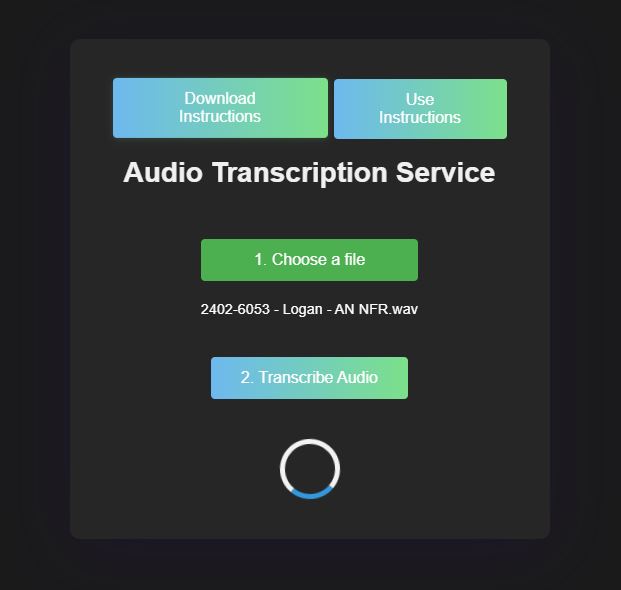
Click on the Transcribe Audio button
Once the transcription starts, you will see a loading indicator. Don't refresh the page; wait until it's finished.
Click the download button and choose the location where you wish to save the transcription. If no dialog appears, the file is saved to your default download location.